
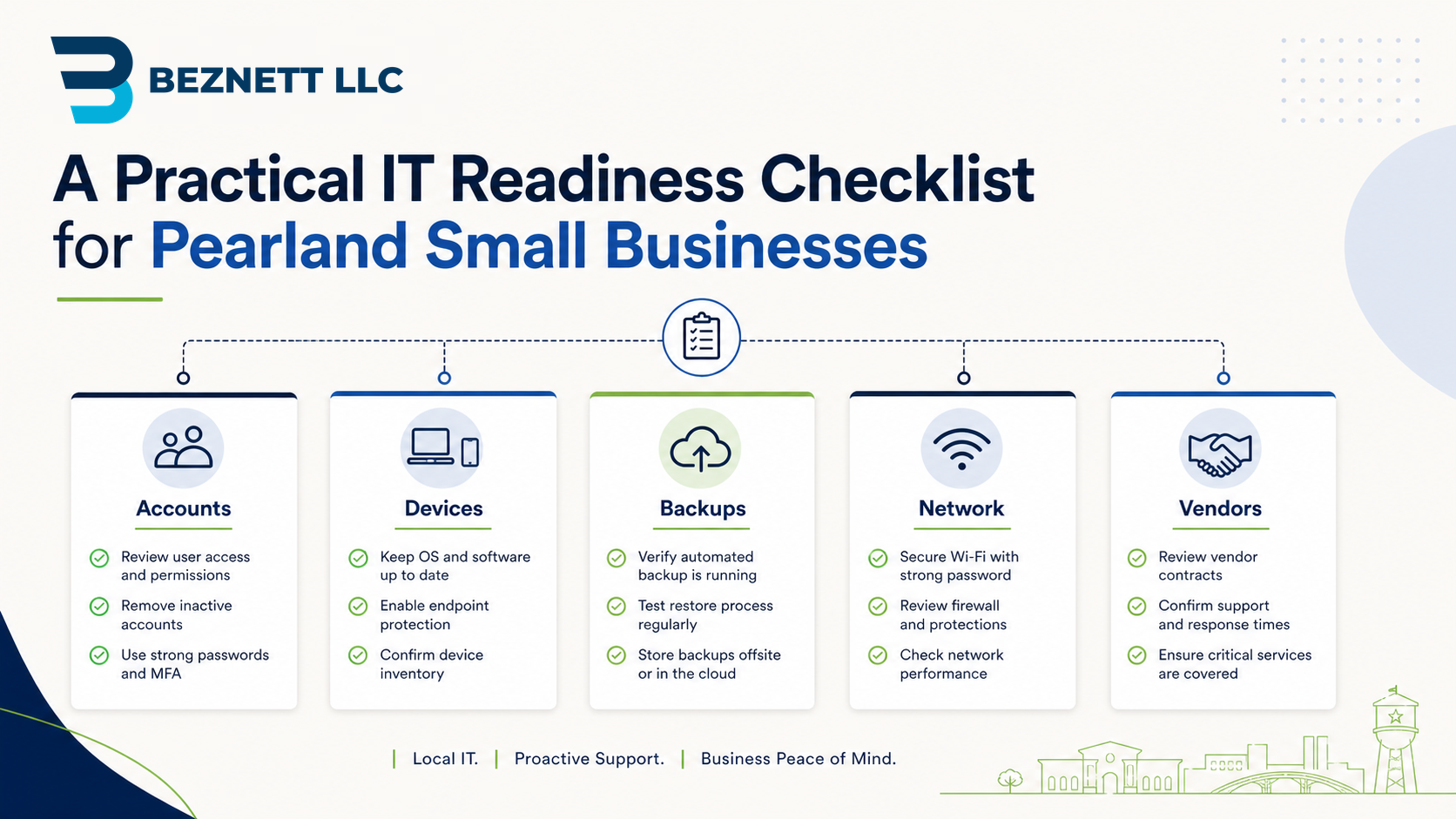
Most small-business IT problems are easier to prevent than fix under pressure.
The hard part is not always the technology. It is knowing what should be checked, who owns it, and what matters most.
This readiness checklist is designed for Pearland small businesses that want a practical view of their IT environment without turning it into a massive project.
If you want help turning this checklist into a real assessment, Beznett provides Pearland IT consulting and small business IT support for local offices that need clearer systems, stronger security, and better technology planning.
1. Account Ownership
Confirm who controls the important business accounts:
- Microsoft 365 or Google Workspace
- Domain registrar
- DNS hosting
- Website hosting
- Firewall and network equipment
- Internet provider portal
- Backup platform
- Accounting or billing systems
- Line-of-business software
The business should not depend on one person’s memory or one vendor’s goodwill to regain access.
2. User Access
Review who can access what.
Check:
- Active employees
- Former employees
- Vendors
- Shared mailboxes
- Admin accounts
- Remote access users
- File-sharing permissions
Remove access that no longer has a business reason. Reduce admin rights where they are not needed.
3. Microsoft 365 Security
At minimum, review:
- MFA coverage
- Global admins
- Mailbox forwarding rules
- External sharing
- Inactive users
- License assignments
- OneDrive ownership
- Teams and SharePoint structure
Microsoft 365 is often the center of the office. It deserves regular review.
4. Device Health
Check laptops, desktops, and shared workstations for:
- Operating system updates
- Antivirus or endpoint protection
- Disk encryption
- Local administrator rights
- Warranty or age concerns
- Old devices still in use
- Devices assigned to former employees
Slow, unmanaged, or outdated devices create both productivity and security problems.
5. Network and Wi-Fi
Document the basics:
- Internet provider
- Firewall model
- Switch locations
- Wi-Fi access points
- Guest network setup
- VPN or remote access
- Important network passwords
- Support or licensing status
If the internet goes down, someone should know what equipment exists and who to contact.
6. Backups and Recovery
Ask the uncomfortable questions before there is an emergency:
- What data is backed up?
- What is not backed up?
- How often do backups run?
- Who gets failure alerts?
- Where are backups stored?
- Has anyone tested a restore?
- How long would recovery take?
A backup plan is incomplete until the business has tested recovery.
7. Vendor and Contract Visibility
Small businesses often lose track of technology vendors.
Create a simple list:
- Internet provider
- Phone provider
- Website vendor
- Email or Microsoft 365 provider
- Software vendors
- Security vendors
- Copier or printer vendors
- IT support contacts
- Renewal dates
- Account owners
This helps avoid surprise renewals, duplicate services, and confusion during issues.
8. Documentation
Documentation does not need to be fancy.
Start with:
- Key accounts and owners
- Vendor contacts
- Network equipment list
- Backup notes
- Admin access process
- Onboarding and offboarding checklist
- Basic troubleshooting contacts
The point is continuity. If one person is unavailable, the business should still function.
9. Workflow Friction
Technology readiness is not only about devices and security.
Look for places where staff lose time because the workflow is unclear:
- Repeated manual data entry
- Intake forms that become email chains
- Approvals stuck in someone’s inbox
- Files saved in inconsistent places
- Customer requests tracked by memory
- Reports built manually every week
These are often good candidates for process cleanup or practical automation. File confusion is especially common in Microsoft 365 environments; if that sounds familiar, this related post explains how Microsoft 365 file sprawl usually starts and how to clean up one messy area at a time.
10. Priority List
Do not try to fix everything at once.
Sort findings into three groups:
- Urgent risk: security, access, backup, or ownership problems
- Operational friction: issues that waste staff time every week
- Future improvements: helpful but not urgent
That keeps the business from getting overwhelmed.
A Practical First Step
Create a one-page IT inventory with three columns:
- System or vendor
- Owner or admin contact
- Risk or open question
If you cannot fill it out, that is the starting point.
A small amount of structure now can prevent a lot of confusion later.
If your Pearland-area business wants practical help with Microsoft 365, cybersecurity, backups, firewall, network reliability, or IT planning, start with Beznett’s Pearland IT consulting and small business IT support page or contact Beznett to talk through the first step.